Masked Forces Unblocked — Play Free Online
More Shooting Games games



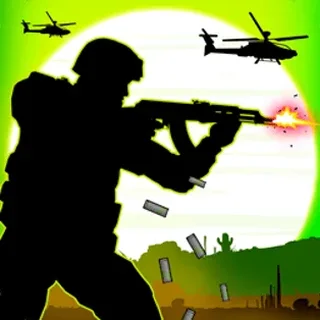

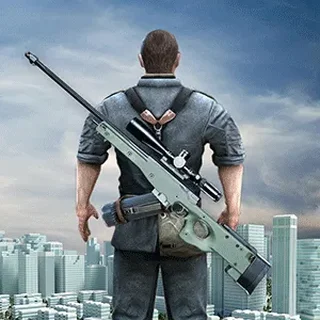


Masked Forces unblocked: play Masked Forces online free right here in your browser — no download, no sign-up, works on a school Chromebook.
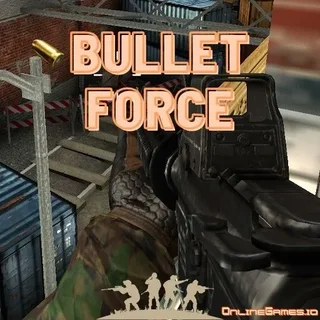
Masked Forces delivers an intense 3D first-person shooter experience directly in the web browser. Players enter fast-paced combat arenas spanning multi-level warehouses, desert compounds, and industrial yards. Equipped with military-grade firepower, your primary objective is to outmaneuver rival combatants, secure tactical positions, and climb to the top of the match leaderboard.
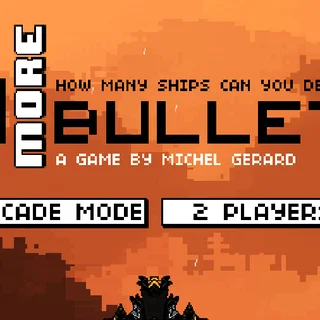
While arcade shooting titles on I Need More Bullets such as 10 More Bullets emphasize single-input reaction timing, Masked Forces offers the depth of a full tactical arena shooter. You have complete freedom of movement, allowing you to sprint between cover points, flank enemy squads, and switch between precision rifles and close-quarters shotguns depending on the engagement range.
Success in each match earns cash rewards that feed into a satisfying gear progression loop. Between rounds, you can visit the armory to purchase improved firearms, equip heavy protective armor, and customize your operative with distinct masks and tactical gear tailored to your preferred combat role.
How to play
Before stepping into battle, click the game canvas once to lock your mouse cursor for precise camera movement. The primary controls include:
- WASD or Arrow Keys: Move forward, backward, and strafe sideways across the map.
- Mouse Aim and Left Click: Look around to track targets and press the left mouse button to fire your equipped weapon.
- Right Click: Aim down sights (ADS) or zoom in through scopes for improved long-range accuracy.
- R: Reload your active weapon magazine.
- Spacebar: Jump over low barricades, crates, and terrain obstacles.
- Shift: Sprint forward to rapidly cross open kill zones.
- Number Keys 1 to 4: Cycle rapidly between your primary rifle, secondary pistol, melee weapon, and explosives.
Pay attention to your ammunition count and the surrounding map layout. Listening for opponent footsteps and monitoring sightlines helps you anticipate enemy spawns and hold key choke points.
Tactical combat tips
- Avoid reloading in open corridors: Reloading leaves you completely defenseless for several seconds. Always step behind solid cover or swap immediately to your secondary sidearm if an opponent pushes your position during a firefight.
- Pre-aim corner angles: Keep your crosshairs elevated at chest and head level when rounding building corners. This minimizes the adjustment time needed to land critical shots when an enemy appears.
- Upgrade defensive armor early: Invest your initial match earnings into stronger body armor and helmets before spending on cosmetic upgrades. Extra durability gives you an edge in head-to-head trades.
- Master strafe shooting: Standing stationary makes you an easy target for enemy snipers. Keep moving side to side while firing in controlled bursts to maintain accuracy without becoming predictable.
Similar games on I Need More Bullets
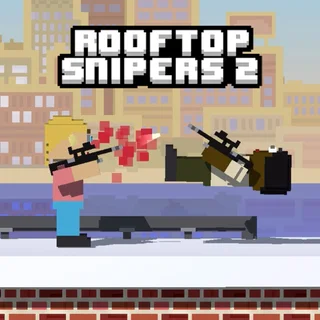
If you enjoy the competitive gunplay of Masked Forces, the catalogue on I Need More Bullets features several other action-packed alternatives. Players looking for quick timing and chain reactions can jump into 10 More Bullets, while Bullet Bros and Rooftop Snipers 2 deliver lighthearted physics-based shootouts. For pure target practice and marksman challenges, Pro Shooter offers focused rifle trials. Masked Forces stands out as the premier full 3D arena shooter for players seeking deep weapon customization and traditional tactical gameplay.
With quick matchmaking, multiple game modes, and responsive controls, Masked Forces provides an engaging shooter experience that requires no downloads or account creation.
Questions about Masked Forces
Is Masked Forces unblocked at school?
Masked Forces runs in an ordinary browser tab from ineedmorebullets.org, with nothing to download or install, so it plays on most school Chromebooks and work computers. If a network filter blocks the site, only that network's administrator can change it.
What are the key controls for Masked Forces?
Move with WASD, aim with the mouse, left-click to shoot, right-click to aim down sights, and press R to reload. Switch weapons using the number keys 1 through 4.
Does Masked Forces require any installation?
No installation or account setup is required. Masked Forces loads and runs directly inside any modern desktop web browser.
How does weapon and gear progression work?
Winning matches and eliminating targets awards in-game currency that you can spend in the armory on new firearms, protective armor, and character cosmetics.
Can Masked Forces be played on mobile devices?
While the game runs in modern web browsers, it requires full keyboard and mouse input for movement, aiming, and weapon switching.